
The Ashtabula County Court Calendar
One county, several calendar routes. Common Pleas, Eastern County Court, and Western County Court settings appear through the county's Court Records portal. The Courts System schedules page posts weekly reports alongside it. CourtView/eServices is the case-specific tool. The municipal courts stand apart from that system entirely. Ashtabula Municipal Court offers Case Search plus Today's Dockets. Conneaut Municipal Court links to Court Connect along with remote-hearing and live-stream resources. So the first step is naming the court and the case. Then use whichever route that court actually publishes. A calendar is only a snapshot of scheduled activity. It is not a promise that nothing will move. When an entry looks unclear or stale, call the court directly. Guessing from a generic county calendar beats nothing, but barely.
Ashtabula Weekly Calendar Tracks
The county's weekly schedules page posts separate reports for each judicial officer: all three Common Pleas judges, the Domestic Relations magistrate, the Eastern Area judge, and the Western Area judge. Each report covers one court. That court-by-court layout matters, since no single weekly report answers every Ashtabula County setting question.
Fresh reports post every week. Read them to learn the court's published schedule. Then confirm the specific case through its current calendar entry or the court office. The Court Directory gives separate contacts for each division because the calendars themselves are court-specific. Court administration answers at 440-576-3686. Still, when a date involves a particular record, the court or division handling that case confirms it best.
How to Find Your Court Date
Begin with the case number and the court holding it. Common Pleas, Eastern, and Western matters run through the CourtView/eServices Court Records portal. Ashtabula Municipal cases go through the court's Case Search and Today's Dockets route instead. Conneaut sticks with its official Court Connect link. Whichever service you open, rely only on its search options. Trust the choices that service actually presents on screen.
- Identify the court and gather the case number or other reliable case details.
- Open the official case-calendar route for that court.
- Read the newest dated event and distinguish a completed event from a future setting.
- Compare a Common Pleas or county-court setting with the weekly schedule when applicable.
- Call the responsible clerk or visit the court counter for direct access if the online status is unclear or unavailable.
Beyond the portal, the county offers several documented routes to a date. The published online calendar and the weekly schedule reports are both free to check. You can also visit the responsible clerk or court in person. Calling the court's direct line works too. An attorney on the case may have details. The court or clerk remains the source for confirming a record.
Ashtabula CourtView Calendar Changes
Common Pleas, Eastern, and Western dates follow a clear order of checks. The county lays it out plainly. Open the current case calendar in Court Records first. Then compare the weekly schedule. Finally, contact the responsible court. The schedule page states plainly that reports update weekly. It also says the Calendar in Court Records should be checked for changes made after a report posts. That warning solves a familiar calendar headache. A weekly listing stays useful even when a later continuance, cancellation, or new setting shows only in the newer case calendar. Recent filings or judicial action can also land before CourtView posts anything. So a time-sensitive question belongs with the court, not with a missing entry.
Reading a Court Setting
Treat a setting as one scheduled court event tied to one case. It says nothing firm about the outcome. The county does not publish a full CourtView field list or a uniform local codebook. So expect some variation between interfaces. When details do appear in a notice, docket entry, or court communication, confirm the basics. Check the case number, the date, the time, and the courtroom. A judge's name or hearing type helps too, when listed.
| Date | The calendar day assigned to the event. Check the newest entry if an earlier date remains in the history. |
|---|---|
| Time | The scheduled time stated by the court. Confirm it directly when the online calendar is unavailable or unclear. |
| Court or location | The court holding the case and any location information actually provided; a universal portal field was not verified. |
| Judge or division | The assigned court, judge, magistrate, or division when the record or notice identifies one. |
| Setting type | A safe plain-language description such as arraignment, preliminary hearing, pretrial, motion hearing, trial, sentencing, status conference, or continuance. |
Ashtabula Municipal Daily Dockets
Ashtabula Municipal Court launched a new Case Search and Today's Dockets platform on March 2, 2026. The court called it the first major online update in more than two decades. Older links and bookmarks may no longer work, the court warns. Today's Dockets is the municipal court's daily calendar feature. It is not the CourtView calendar used by Common Pleas or the county courts. The court also posts maintenance and availability notices. If the case-search page goes down, that does not cancel a hearing. For a municipal date that needs confirming, call Traffic at 440-992-7112. Criminal cases can be confirmed at 440-990-2263. You can also use the main court number rather than reading anything into a temporary outage.
Resets, Continuances, and Cancellations
A continuance just moves a court date. It does not dismiss anything. An old setting can still sit in the docket history even after a newer hearing has been scheduled. So compare the dates carefully and find the most recent future event. When the sequence is unclear, ask the court to confirm the next setting before you plan around it.
For Ashtabula County Common Pleas and county-court cases, the Court Records calendar is the county's stated place to catch changes. Those notices are posted after the weekly schedules go up. Municipal matters run on a different track. Use that court's own published service and call it directly. One caution: an online calendar can lag or go dark. A cancellation should come from the responsible court. Never infer it from the absence of a result on a docket.
Eastern and Western Date Confirmation
The fastest way to pin down a lower-court date is a call. Eastern County Court answers at 440-576-3617. Western County Court answers at 440-466-1184. Start with CourtView/eServices for the case record. Check the weekly schedule when it matters. Then phone the division listed on the case if the next setting is still hazy. That reaches the court holding the actual calendar, not a generic county switchboard.
One wrinkle worth knowing: county planning records describe a Western Division move from Geneva to Jefferson. It would happen once the Geneva lease expires in September 2026, part of a later consolidation plan. Because of that transition, confirm the current counter location and office instructions before you travel. The official Western County Court page is the source of record. It covers that division's services and contact route.
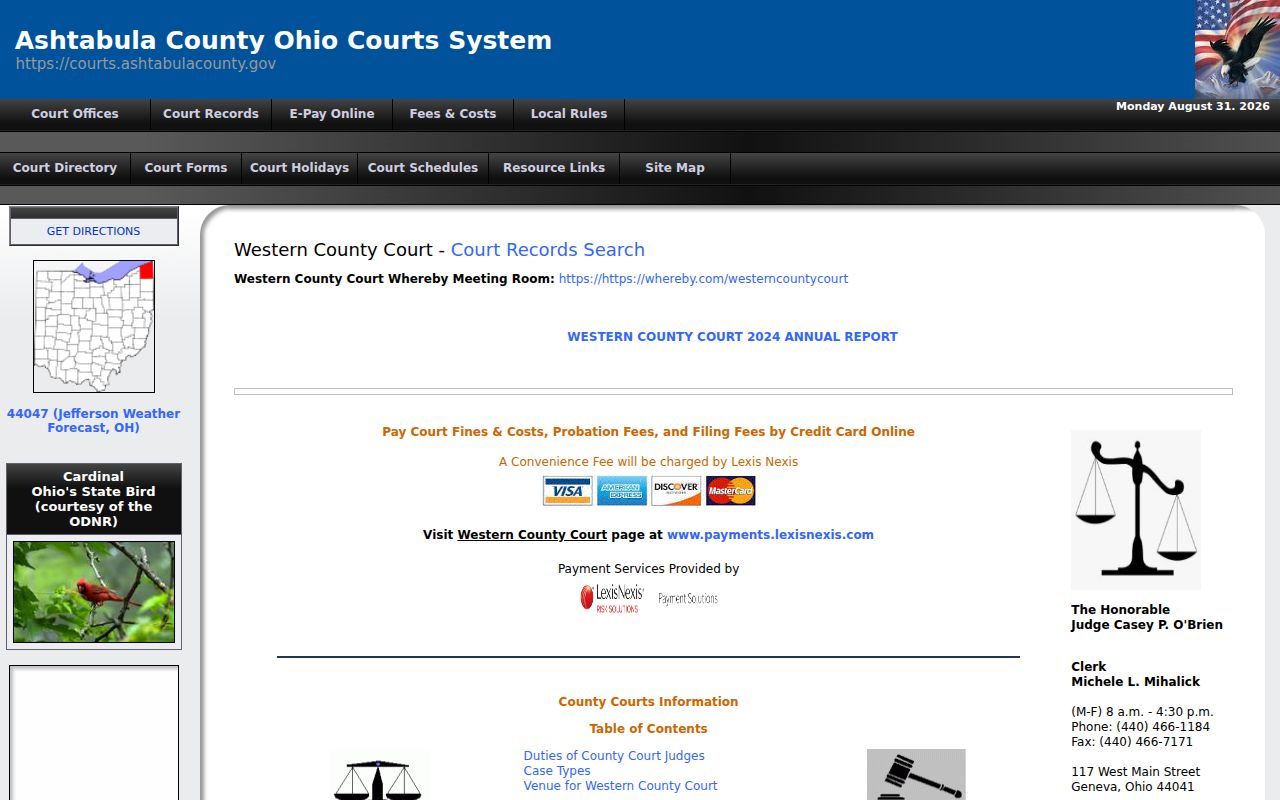
The official page is only a starting point. The relocation is in progress. A direct call matters more than ever before you show up in person.
Eastern County Court sits at 25 W. Jefferson Street in Jefferson. The published Western address was 117 W. Main Street in Geneva. But a phone confirmation beats an older listing during this move. Neither the county calendar nor a weekly schedule tells you where the counter is today. Verify the location yourself.
What To Do If You Miss a Setting
Missed a court date in Ashtabula County? Move fast. Pull the current case calendar, figure out which court holds the docket, and call the clerk or administration office to learn the next official step. What a missed setting means depends on the case type, the court order, and local procedure, so a calendar entry alone will not explain what now applies. If you have a lawyer, contact that attorney without delay too.
Missed a Setting? Missing a criminal court date can lead to a failure-to-appear issue, a warrant, bond consequences, or another court action depending on the case and order.
Contact the court holding the matter immediately and ask how to confirm the case status and any next setting.
For legal advice about a missed hearing or court order, speak with a licensed Ohio attorney.
Conneaut Calendar and Remote Links
Conneaut Municipal Court keeps its own calendar path, separate from CourtView. Its official court page links Court Search, Court Connect, remote-hearing information, live streaming, forms, payment information, and local rules. That makes the Conneaut route more than a county-schedule lookup. It still does not replace a direct confirmation from the court itself.
For a Conneaut setting, start with the official Court Search or Court Connect link. Read any current court notice as well. If the date, remote instructions, or event status stays unclear, call Conneaut Municipal Court at 440-593-7410. Keep your case number and court notice in hand when you call. That way the clerk can find the right calendar fast.
Remote-hearing and live-stream links do different jobs. A remote-hearing link may carry instructions for a participant. A live-stream link is for public viewing when the court allows it. Rely on the court's current notice for your case. Never assume an online link waives a personal appearance requirement or proves a hearing is going forward.
One last boundary: a county-court or Common Pleas date belongs in CourtView/eServices. It does not belong on Conneaut's municipal docket.